What’s New In QuickBooks 2008
J. Carlton Collins
The 2008 edition of QuickBooks includes a rather weak set of improvements. The “What’s New in QuickBooks 2008” video on the QuickBooks web site mentions only 2 new features, and 22 features that were previously in earlier versions of QuickBooks. QuickBooks is famous for barely updating their product, but the sparse new features in QuickBooks 2008 are hardly worth the upgrade price. Here are the new features.
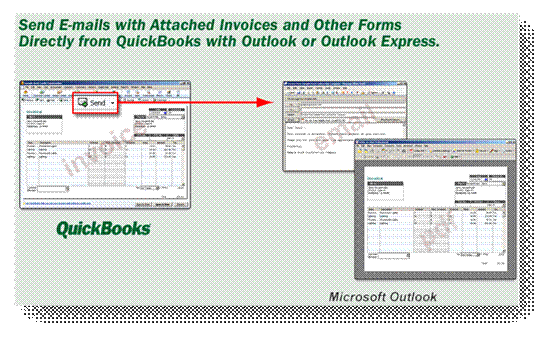
1. You can now send emails directly from QuickBooks using Microsoft Outlook or Outlook Express. Previously QuickBooks e-mails were sent via a built-in e-mail client that offered no contacts and did not save copies of sent e-mails.
This is the only decent feature offered by QuickBooks 2008, and it is marginally accounting related.
2. Intuit claims that you can now share records with your accountant more easily, and easily import changes back.
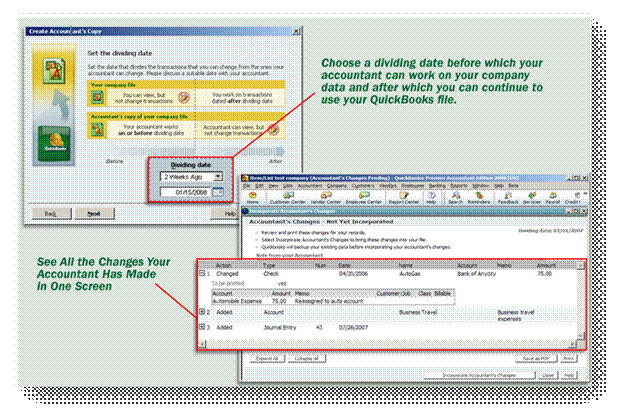
The Accountants copy is obsolete because remote access is by far a better choice for working with client data for the following reasons:
1. Accountants copy lacks dozens of capabilities (See chart in manual).
2. Accountants copy requires client to send files, and import journal entries.
3. Accountant’s copy is designed to help the accountant manage QuickBooks at year end while remote allows accountant to manage QuickBooks throughout the year.
4. Remote access allows accountant to avoid running multiple versions and editions of QuickBooks.
3. A new window allows you to view unbilled time and expenses for all clients on single screen and transfer to an invoice with one click.

QuickBooks had this same data available already from a single window with two tabs – now it has two columns instead – This eliminates the need for the user to visit two screens instead of one. No big deal!
4. A new template allows users to import customer, vendor and item data using the new Microsoft Excel import template.
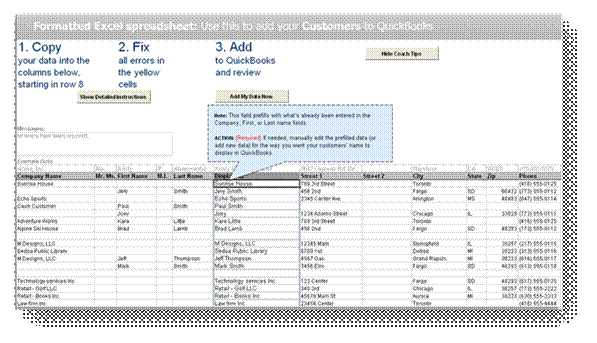
Are you kidding me – you could already do this. I’ve shown it in class for years.
5. Intuit has released Premier 3 User Edition.
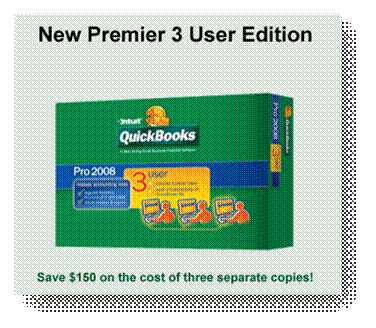
I think that it is a stretch to consider a price drop to be a product improvement. This is the third year in a row that Intuit has dropped their prices for their products and/or Pro Advisor program. I think the pressure from Microsoft’s lower priced entry level accounting system offering is the motivation behind these pricing drops. Microsoft’s product and Pro Advisor (called MPAN) program are both free.
6. QuickBooks Merchant Service for PCs now offers the ability to validate and pre-authorize funds on a customer's credit card. You can conveniently return to charge the card for the full, final amount at a later time.
This hardly a QuickBooks feature – it really a service offered by the credit card merchant. Also, since there is an additional charge for this service, it is a stretch to attribute this as a QuickBooks feature.
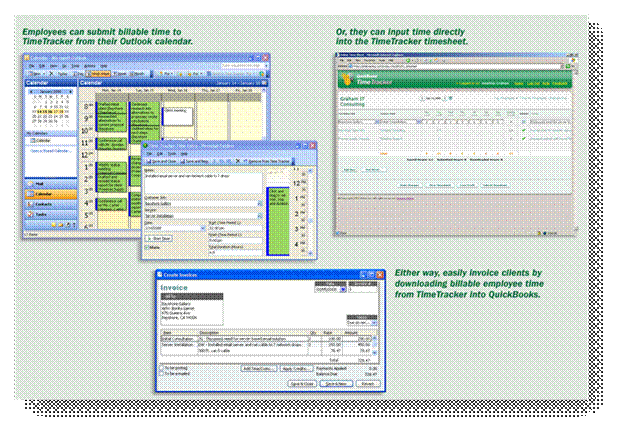
7. Now you can track billable hours right from Microsoft Outlook with Time Tracker.
 This
feature is OK, Intuit obviously followed the lead of Microsoft Office Accounting
buy enabling Calendar time to flow to a time sheet. I have yet to see anyone
actually use this feature.
This
feature is OK, Intuit obviously followed the lead of Microsoft Office Accounting
buy enabling Calendar time to flow to a time sheet. I have yet to see anyone
actually use this feature.
8. QuickBooks has improved Help.
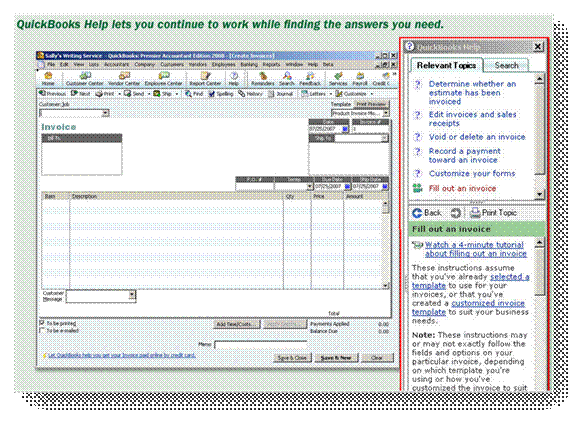
I am a big fan of having good help. However, this is yet another example of a fringe improvement that has no direct bearing on the actual QuickBooks product.